A website can stop working while you are serving customers, travelling or asleep. Waiting for someone to tell you leaves a gap. Uptime monitoring checks your website on a schedule and can alert you when a problem is detected. It cannot tell you at the exact moment every visitor has trouble. The useful goal is an early, reliable warning, sent to somebody who knows what to do next.
Key takeaways
- Monitor the public website from outside your hosting account, with a check that reflects what customers need.
- Understand the check interval, confirmation rules and delivery channel before relying on alerts.
- Prepare a short response plan and test both the alerts and the recovery process.
1. Understand what an uptime check proves
A basic monitor requests a web address and checks the response. It might look for a successful HTTP status, a response within a time limit or a particular phrase on the page. That is useful evidence about one request at one moment, not a guarantee that every part of the business website works.
A page can return a successful response while displaying an error message. A homepage can load while a booking form is broken. A visitor in another region may have a different experience. Start with simple checks, but choose them with those limits in mind.
- Availability: does the address respond successfully?
- Content: does the response contain something expected?
- Performance: is the response unusually slow?
- Journey: can a customer complete a key action, if your monitoring service supports that test?
2. Choose the pages that matter most
Begin with your main public address, including HTTPS. Add the page that makes the website useful to the business: a contact page, booking entry point or shop, for example. There is little value in monitoring every decorative page while ignoring the route to an enquiry.
If you use an external booking or payment provider, distinguish its availability from your own website. A check of the link alone will not prove that the entire process works. More detailed journey checks may need extra setup and careful handling of test submissions.
- Check the public address customers actually visit.
- Consider certificate-expiry and domain-expiry reminders separately.
- Avoid tests that create real orders or repeated customer enquiries.
- Keep the initial monitor list small enough to understand and maintain.
3. Set realistic expectations for alert speed
The phrase “the moment it goes down” is a useful aim, but scheduled checks have a delay. With a five-minute interval, a failure just after a successful check might wait nearly five minutes for the next request. Confirmation checks and message delivery can add more time. A brief interruption between checks might be missed.
Ask how often checks run on your plan, what counts as a failure and whether another location confirms it. Faster checks can reduce detection time, but unnecessary alerts can make people ignore the system. Choose a balance that reflects the impact of downtime on your business.
- Confirm the interval and timeout.
- Check whether several failures are required before alerting.
- Ask when a recovery message is sent.
- Check whether planned maintenance can be excluded from alerts and reports.
4. Send alerts somewhere you will notice
Choose an alert destination that someone actually checks during the hours you need cover. E-mail may suit a brochure website. A business that depends on bookings may need another supported channel or an agreed backup contact. Check what is included in the price rather than assuming text messages are standard.
Do not rely only on an e-mail address hosted by the same service as the website. A wider hosting problem could affect both. Give the person receiving alerts enough information to identify the site, the failed check and the relevant support contact.
- Assign a main responder and a backup.
- Send a test notification and confirm both people receive it.
- Record hosting support details somewhere accessible offline.
- Agree who can approve urgent repair work and what to do outside working hours.
5. Check an alert before making changes
When an alert arrives, open the website using another connection, such as mobile data. Check whether the whole site is affected or only one address. Look at your hosting provider’s status page and any recent changes. Save the alert time and error message for support.
A monitoring request can sometimes be blocked by security rules even while the site works for visitors. Equally, a successful visit from your phone does not prove there was no incident. Compare the evidence before changing settings. Randomly restarting services or disabling security controls can create a second problem.
- Check the exact URL and visible error.
- Note whether the issue followed an update or deployment.
- Contact the responsible host or developer with the evidence.
- Keep customers informed through an available channel if the interruption affects them.
6. Prepare recovery before you need it
Monitoring tells you about trouble; it does not replace backups or maintenance. Agree who maintains the site, where backups are kept and how a restore is performed. A backup is more reassuring when somebody has checked that it can actually be restored.
Keep a simple incident note with the start time, symptoms, actions and recovery time. If a recent website change caused the problem, a tested rollback may be safer than trying several hurried fixes. Ask the person responsible for the site to make that decision with the available evidence.
- Keep access and recovery instructions secure and current.
- Know which parts belong to the host and which to your developer.
- After recovery, test the enquiry or purchase route.
- Review the cause and agree one practical prevention step.
7. Read uptime reports with context
An uptime percentage summarises the checks made during a period. Its meaning depends on the interval, locations, failure rules and treatment of maintenance. A good-looking figure can still hide an interruption during your busiest hour. Keep incident times alongside the headline number.
Use response-time trends as a prompt to investigate. They are not the same as the full loading experience on a customer’s phone. Likewise, an availability check does not replace security monitoring, accessibility checks or regular form testing. Review these tasks together when deciding what maintenance you need.
- Compare reports using consistent settings.
- Read the incident list as well as the percentage.
- Look for repeated short failures or growing response times.
- Share useful evidence with your host before considering a move.
8. Choose a service and test the handover
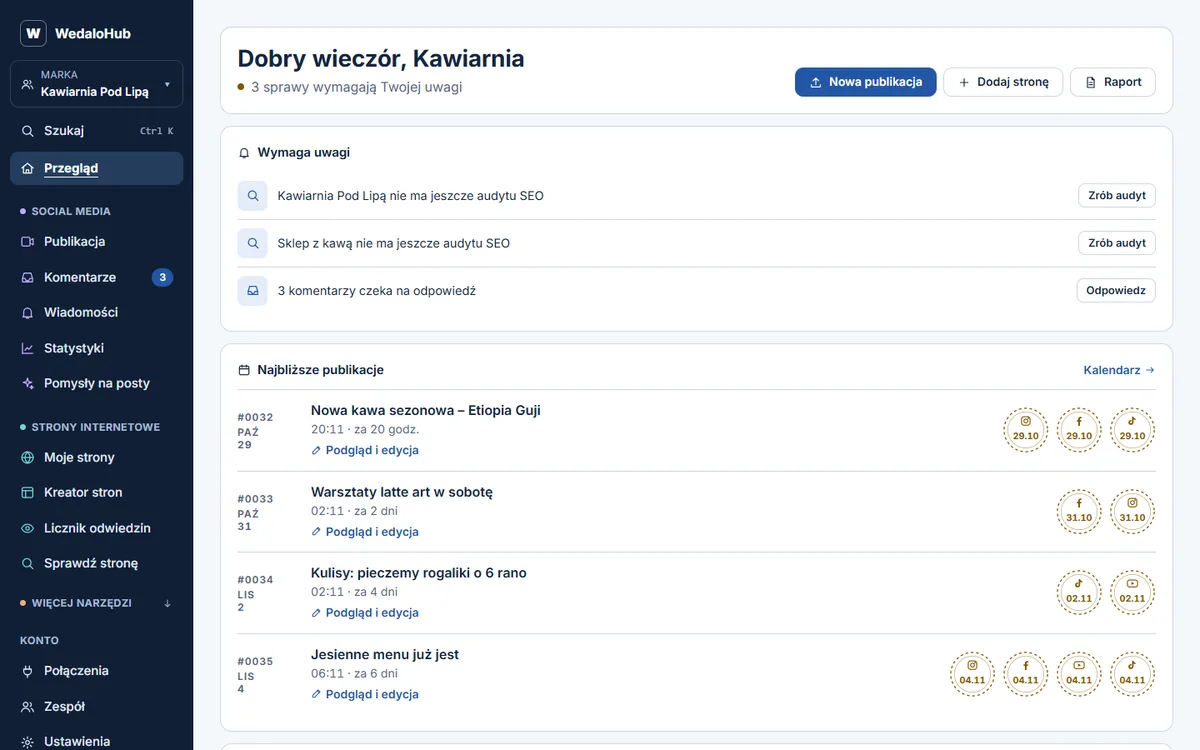
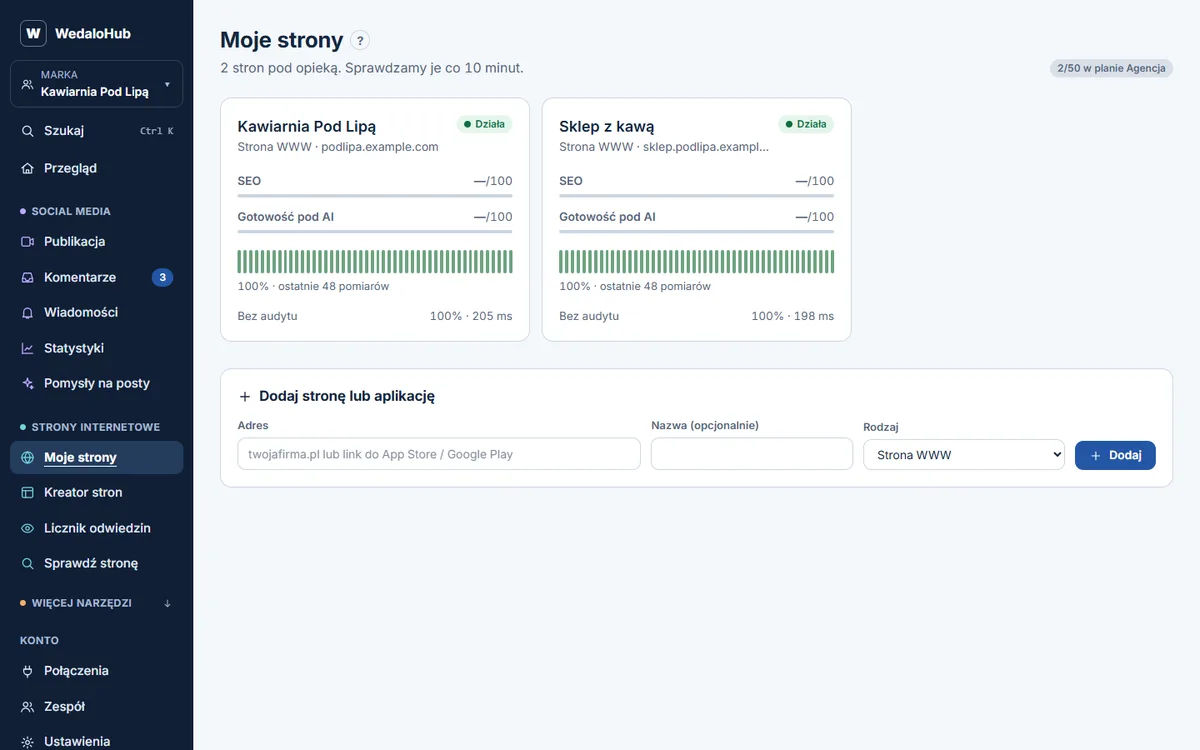
WedaloHub is one option that combines site uptime alerts with social posting, a shared comment inbox, stats, an SEO audit, keyword positions and website speed checks. There is a 14-day trial, with plans from £19/month ex VAT. Confirm the monitoring interval, alert channels and plan limits before choosing it.
Whichever service you use, test a notification first. If you want to test a real failure, arrange a safe test with the person responsible for the website. Avoid interrupting customers just to prove that monitoring works. Finish with a written handover so alerts continue to have an owner after the initial setup.