Google Search Console is a free tool for understanding how your website appears in Google Search. You can see queries that produced impressions and clicks, check whether particular pages are indexed and investigate problems Google has found. It will not show one permanent ranking for every phrase. Start with a few useful reports and a short action list, rather than trying to understand every chart on the first visit.
Key takeaways
- Verify the correct property and keep business ownership of the account.
- Treat average position as an aggregate measure, then filter by page, query, country and device.
- Fix important access and indexing problems first, and measure useful enquiries alongside search traffic.
1. Add your website and verify ownership
Open Search Console with a Google account the business controls. A Domain property covers the domain across protocols and subdomains, and needs verification through DNS. A URL-prefix property covers the specified prefix and offers other verification methods. Choose the option you can maintain with your domain or website provider.
Follow the instructions for the selected method carefully. If you add a DNS record, preserve existing records and ask your provider for help when unsure. Keep the verification method in place after access is granted. Give your developer access through permissions instead of handing over your Google password.
- Check the domain spelling and selected property.
- Record who owns and manages access.
- Keep a second trusted owner where appropriate.
- Expect reports to need time to collect data for a newly added site.
2. Submit a sitemap and inspect a key page
A sitemap is a list of website URLs intended to help search engines discover content. Your website system may generate one automatically. Find its address, usually ending in sitemap.xml, and submit it in the Sitemaps report. Submission helps discovery; it does not guarantee indexing or rankings.
Next, paste the address of an important service page into URL Inspection. Read the indexed result, then use the live test when you need to check the current page. The indexed information describes Google’s recorded version; the live test checks current accessibility and some technical conditions. Neither is a promise of future placement.
- Use the final, public HTTPS address.
- Check whether Google selected a different canonical URL.
- Request indexing after a meaningful fix when appropriate.
- Do not repeatedly request the same unchanged page expecting faster results.
3. Learn the four performance measures
Open the Search results performance report and choose a date range. Clicks count clicks through to your site from Google Search results. Impressions count appearances under Google’s reporting rules. Click-through rate is clicks divided by impressions. Average position summarises the position of your site’s topmost result across the relevant impressions.
These figures describe search visibility, not sales. A query can produce impressions without useful interest. A fall in clicks may reflect demand, seasonality, a changed result page or changes on your website. Use the figures to ask better questions before deciding what caused a change.
- Compare similar periods and account for seasonal demand.
- Separate searches for your business name from broader service searches.
- Check whether a change affects one page or the whole site.
- Avoid drawing conclusions from a handful of impressions.
4. Check rankings without treating them as fixed
To investigate a phrase, filter the report by query and then look at the pages receiving impressions. Add a country or device filter when relevant. Reverse the process to study one service page: filter by its URL and examine the queries associated with it.
Average position can vary because search results vary by location, device, time and context. An average of eight does not mean every customer sees your page in eighth place. The query table is also incomplete: some queries are omitted for privacy, and reporting limits apply. A manual search is another limited snapshot, not a replacement for the report.
- Choose one commercially relevant page.
- Look at its queries, clicks and impressions together.
- Compare the same filters across two useful periods.
- Write down the change and what you plan to investigate.
5. Prioritise indexing problems that matter
Open the Page indexing report and look at the reasons pages are not indexed. Some exclusions are expected. A redirected address, duplicate version or intentionally private page may correctly stay out of search. Concentrate on public pages that customers need and that should appear in results.
Common checks include an accidental noindex instruction, access restrictions, broken internal links and server errors. A robots.txt block can prevent crawling, but removing it alone does not ensure indexing. Read the reported reason and ask your developer to confirm the cause before changing site-wide settings.
- List important pages missing from search.
- Inspect representative URLs rather than changing everything at once.
- Correct the underlying issue on the website.
- Retest and allow time for Google to revisit and update its reports.
6. Improve a page using the questions in the data
Look for a page receiving relevant impressions but few clicks. Check whether its title and opening content explain the service clearly. Does it answer what the searcher wants to know? A pricing query needs useful price information or a clear explanation of how a quote works.
Make the page more useful before adding keywords. Explain the service area, process, likely next step and practical questions customers ask. Use descriptive internal links from related pages. Google may generate a different title or snippet, so a rewritten description is not a guaranteed change in the results.
- Keep the title specific and truthful.
- Make important information easy to find on a phone.
- Avoid creating near-identical pages for every keyword variation.
- Record the date and substance of changes before assessing their effect.
7. Build a small, repeatable review
Set aside a regular review rather than checking rankings every morning. Start with important errors, then review clicks and impressions for the pages that matter to the business. Choose one or two actions you can finish. Search improvements often need time to assess, especially on a small site with limited traffic.
Read security issues and manual actions if alerts appear, and verify that messages are genuine before following links. Keep website enquiries or bookings in your own business records. Search Console helps explain discovery, but cannot tell you the value of every customer relationship.
- Keep a simple change log.
- Compare consistent date ranges and filters.
- Check whether traffic produces relevant enquiries.
- Use Google’s help to understand unfamiliar report labels.
8. Use extra tools when they simplify the work
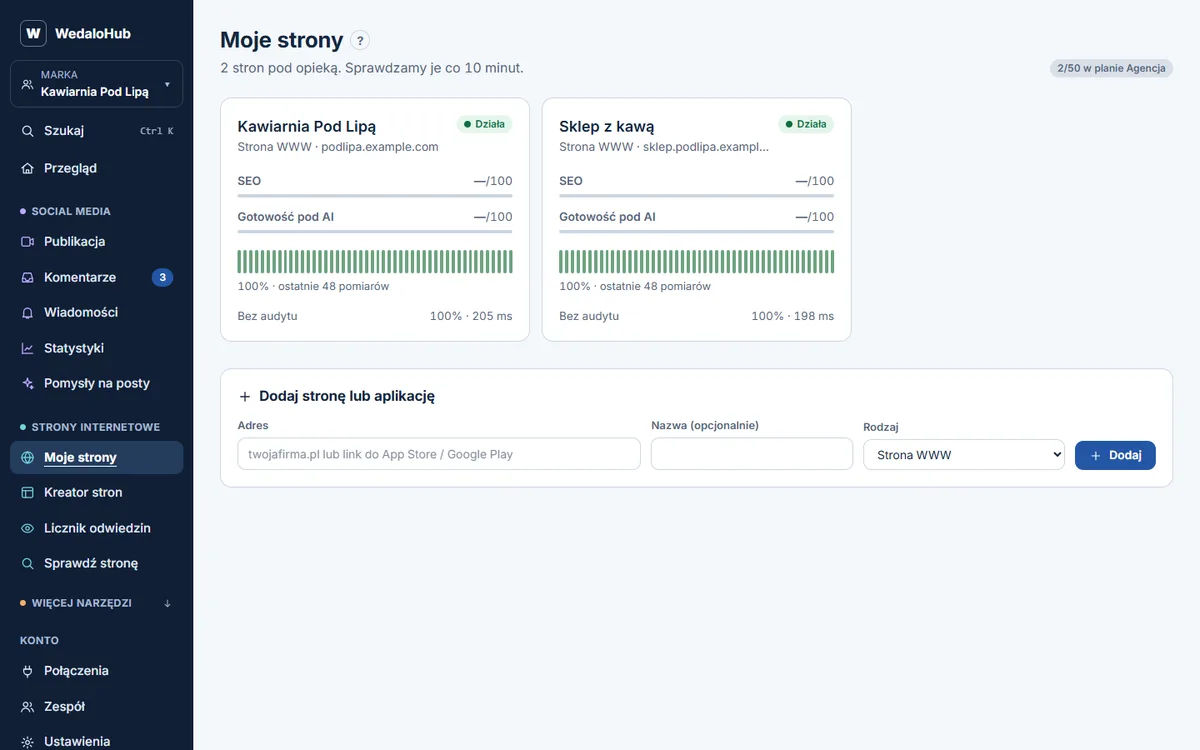
WedaloHub is one option for combining an SEO audit, keyword positions and website speed checks with social posting, a shared comment inbox, stats and site uptime alerts. It has a 14-day trial and starts from £19/month ex VAT. Check how keyword positions are measured and what each plan includes.
Search Console remains useful alongside a dashboard because it contains Google’s own reporting and URL inspection tools. Compare like with like when another service reports a different position. No audit, dashboard or checklist can guarantee rankings; the aim is to find useful work and judge its effect with care.