Running a small business can leave you switching between YouTube, Facebook, Instagram and TikTok whenever you have a spare minute. Drafts end up in different places. A comment gets missed. You forget which account published the offer. A shared workspace can make this easier, but the first job is to agree a simple routine. Here is how to bring the work together without expecting every network to behave in the same way.
Key takeaways
- Start with an account list, clear ownership and secure access before connecting a publishing tool.
- Reuse the idea behind a post, then adapt the format and wording for each platform.
- Check the actual publishing and inbox features for your account types before paying for a subscription.
1. List the accounts and give each one a job
Write down every business profile, its public address, the person responsible and the account that owns it. Include old profiles that still appear in search. Decide whether each should remain active, point people elsewhere or be closed after you save anything useful.
Give each active channel a purpose. YouTube might explain your service through demonstrations. Instagram could show finished work, Facebook could carry local updates, and TikTok could answer common questions in short videos. These are starting points, not rules. Choose the channels your customers actually use.
- Check contact details, website links and opening hours.
- Record who approves posts and who answers questions.
- Keep recovery details in a secure place, separate from the content calendar.
2. Set up access without sharing passwords
Use the roles and permissions available within each platform. Give colleagues their own access and only the permissions they need. Switch on two-factor authentication and keep a recovery route that does not depend on one employee staying with the business.
Connect a management tool through the official authorisation screen. Read which permissions it requests and confirm that you are connecting the correct business profile. A personal profile and a business Page are different things. If an account cannot connect, check the required account type and permissions before creating a duplicate.
- Remove access when someone leaves.
- Review connected apps regularly and disconnect unused ones.
- Keep at least one responsible owner able to manage access.
3. Check what one dashboard can really do
A shared dashboard is useful, but platform access has limits. A service may support video publishing on one network and only reminders on another. Account types, permissions and the subscription plan can affect what is available. Ask to see the workflow with your actual accounts during a trial.
Check Facebook Pages, Instagram professional accounts, TikTok accounts and YouTube channels separately. Confirm support for the formats you need, such as short videos, carousels or longer uploads. Music, stickers, collaboration posts and other native features may require finishing inside the original app.
- Can it publish directly, or does it send a reminder?
- Which comments appear in the shared inbox?
- Are private messages included, and on which networks?
- What happens when a connection expires or a scheduled post fails?
4. Build a calendar you can maintain
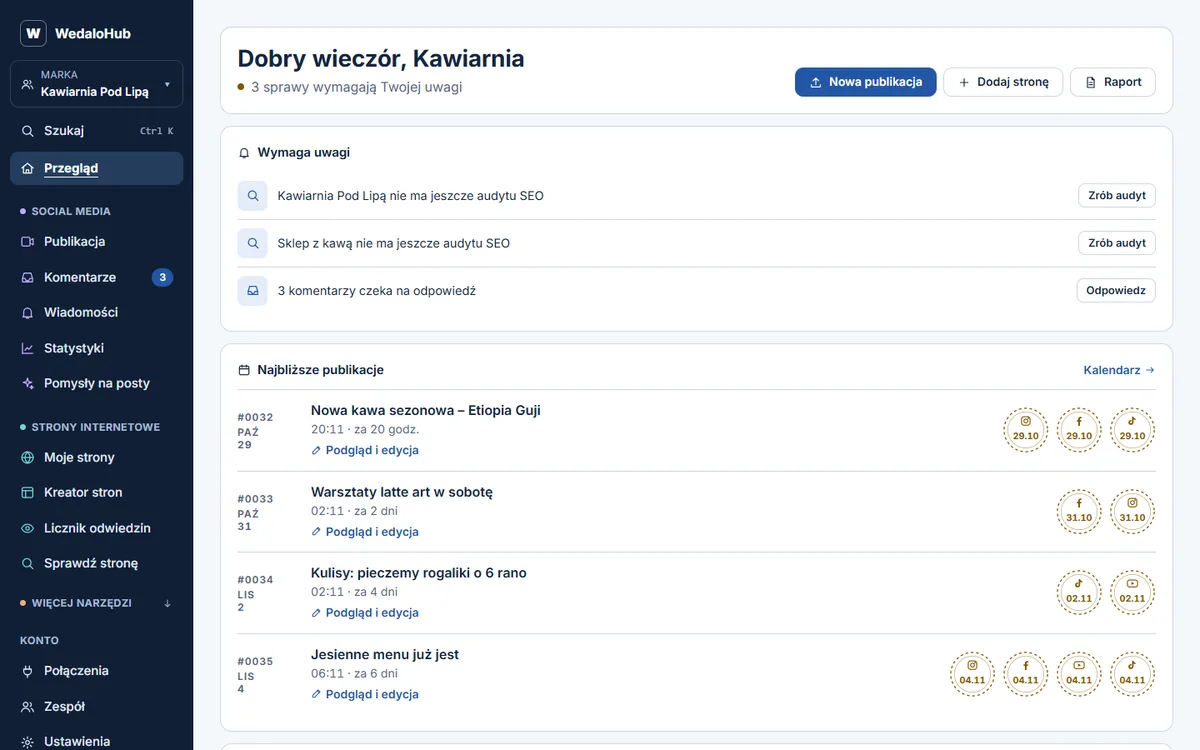
Start with a week you can realistically deliver. Two useful posts are better than an ambitious schedule abandoned after a few days. Choose a small set of recurring themes: an answer to a customer question, a recent piece of work and a clear explanation of a service.
For every planned post, record the channel, format, draft, image or video, proposed date and owner. Add an approval status so unfinished work cannot be mistaken for something ready to publish. Keep one folder for the current versions of media files.
- Collect questions and ideas throughout the week.
- Choose the few that support your current business priorities.
- Draft and review them in one planned session.
- Leave room for timely updates rather than filling every available slot.
5. Adapt the content before scheduling it
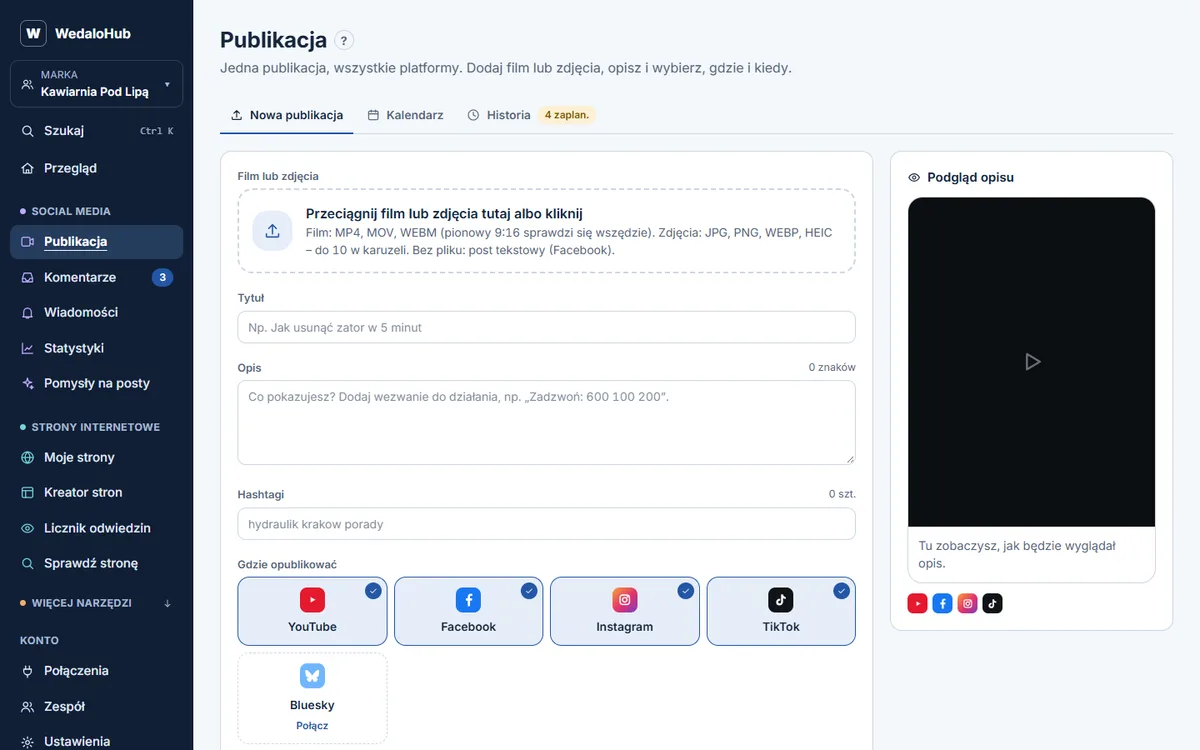
One useful idea can become several posts. A video showing how a service works might become a longer YouTube explanation, a short vertical clip and a Facebook post answering the main question. Reuse your own material, but make each version clear on its own.
Check the opening line, captions, crop, thumbnail and call to action in the preview for each network. A link in a caption does not behave identically everywhere. Tell people where to go in a way that makes sense on that platform. Use readable on-screen text and captions when speech carries the message.
- Remove expired prices and dates from reused material.
- Check permission to use customer images and any music.
- Watch the whole video after exporting it.
- Check the selected account and time zone before scheduling.
6. Treat replies as a daily task
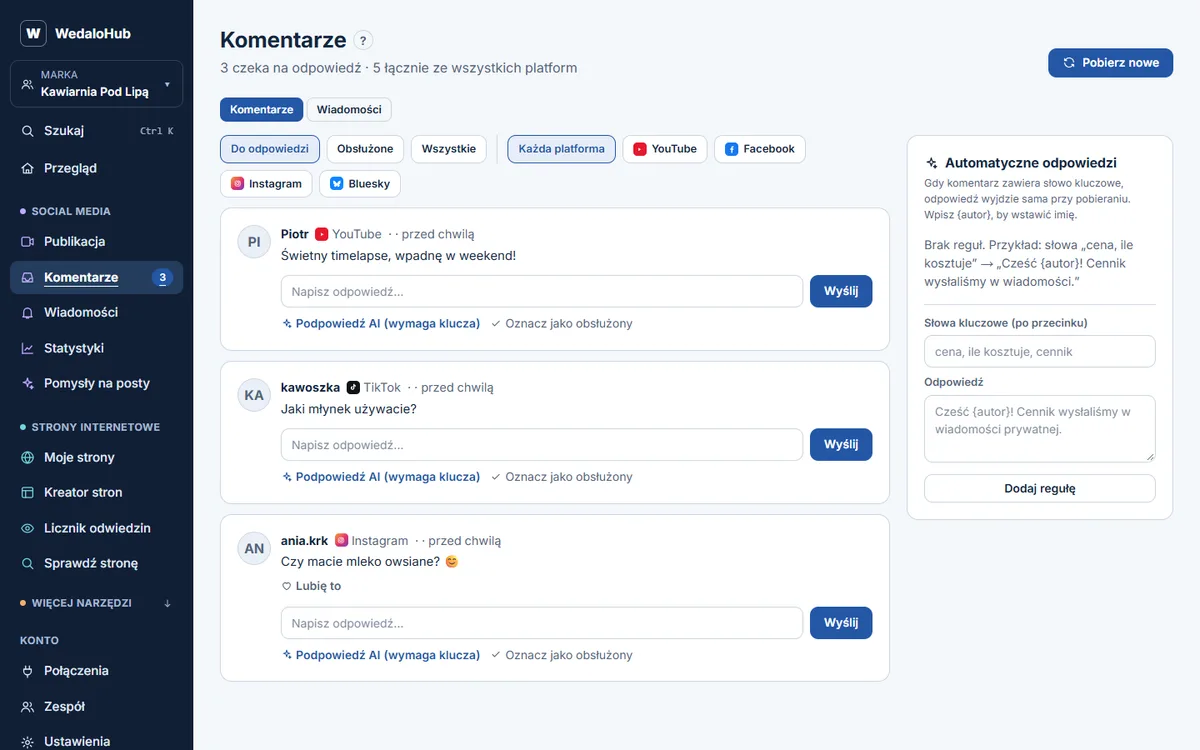
A shared comment inbox is valuable only if somebody checks it. Agree a short daily window and assign each question to one person. Mark a conversation complete after the answer has been sent, not simply after it has been read.
Use saved replies for repeated practical questions, but adjust them to the person asking. Move booking details and other private information into an appropriate private channel. Do not ask customers to post personal information publicly. Check the original apps as well, especially when the tool does not cover every comment or message type.
- Prioritise unanswered questions about buying, booking or existing work.
- Give complaints a calm acknowledgement and a clear next step.
- Keep a record of recurring questions to improve future posts.
7. Measure useful outcomes and compare like with like
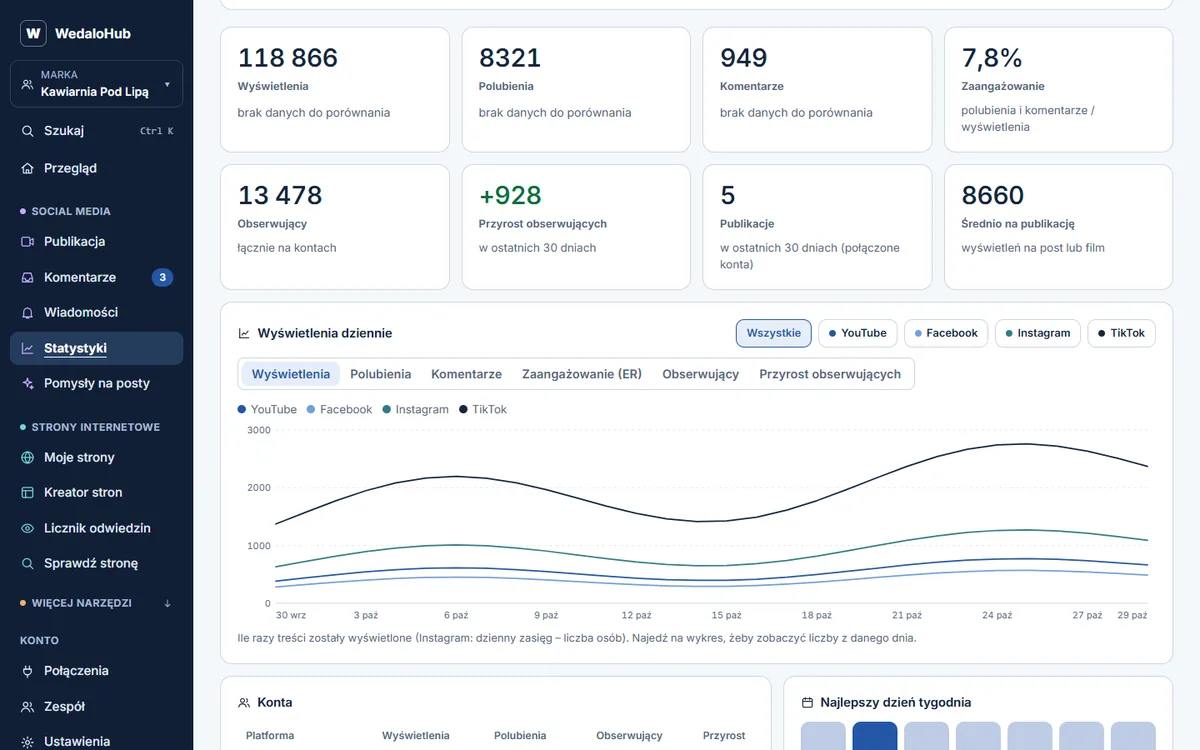
Choose measures that match the job of each channel. For a local service, useful enquiries may matter more than total video views. For an explainer video, watch time and the questions it answers can be useful. Track website visits and enquiries where you can do so reliably.
Review a few weeks together rather than reacting to every quiet post. Metrics such as views and engagement are defined differently across networks, so avoid adding them into a single impressive-looking total. Note what you changed and repeat useful topics in a fresh format.
- Use consistent campaign tags on website links where supported.
- Ask new customers how they found you.
- Keep a short monthly note: what worked, what took too long and what to try next.
8. Trial the whole routine before committing
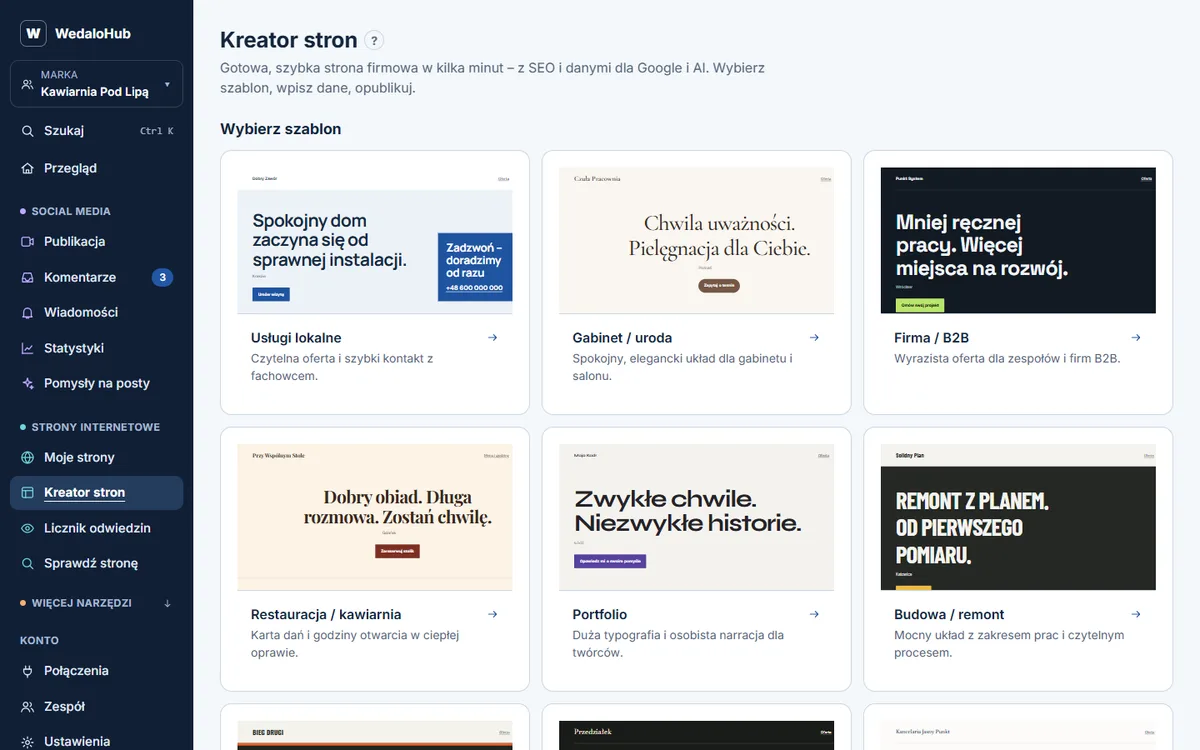
WedaloHub is one option for bringing social posting, a shared comment inbox and stats together with site uptime alerts, an SEO audit, keyword positions and website speed checks. It offers a 14-day trial and starts from £19/month ex VAT. Check the supported networks, account types and plan limits against your own workflow.
During any trial, connect a small number of accounts, publish a real post and check a real reply. Test the approval process and confirm how failures are reported. Include the time spent adapting content when judging value. A tool should make your routine easier to keep; the content and the conversations still need an owner.